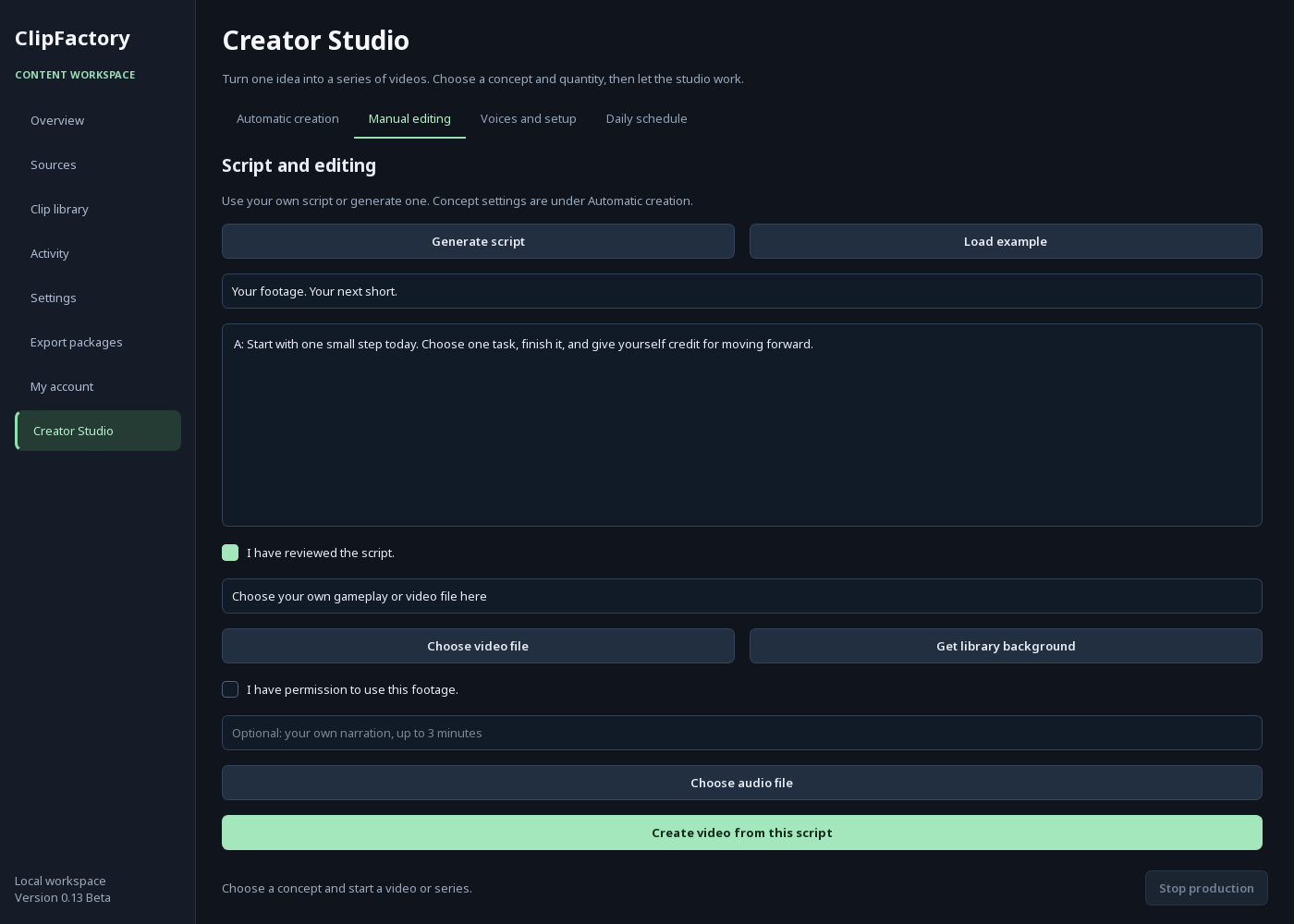
Choose your footage
Open Creator Studio → Manual editing → Choose video file. Use an MP4, MOV, MKV or WebM file you own or have permission to use.
 ClipFactoryDESKTOP STUDIO
WINDOWS APP · FREE WINDOWS BETA
Bring your gameplay or video footage. Add an English script, a local AI voice and captions. Create a vertical short on your own Windows computer.
Free Windows x64 beta. No card, paid trial or automatic subscription. First setup downloads approximately 2–4 GB of free components. Processing uses your computer.
START WITH MEDIA YOU ALREADY HAVE
For creators who already have footage and want to turn it into narrated, captioned shorts. You choose what to use and review what you export.
Open Creator Studio → Manual editing → Choose video file. Use an MP4, MOV, MKV or WebM file you own or have permission to use.
Write your English script or generate one from a topic. Review it, choose a voice and create a video with captions. Your original audio is replaced by narration.
Check the vertical crop, script, voice and captions. Export the finished video and upload it to your own social account when ready.
TWO WAYS TO CREATE
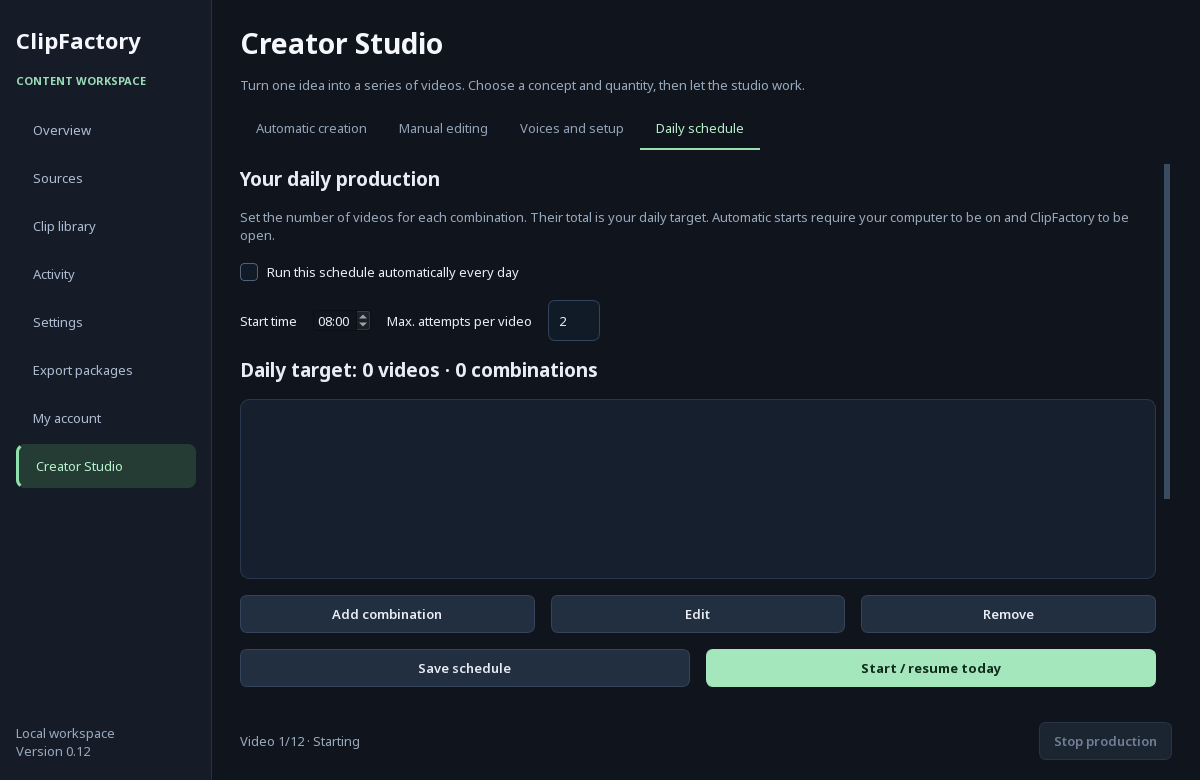
Manual editing uses one of your video files per creation. Automatic creation makes a series using the three built-in block-world colour variants. Those variants are examples, not a stock video catalogue.
This beta is not a timeline editor. It does not assemble several of your files into one video, and automatic series do not use your own media folder. Review each result.
FREE TO DOWNLOAD AND TRY
Download the beta, use your own media and tell us what should improve. No invitation or purchase is required.
Use your own footage with English scripts, local voices and captions. Test without a card, trial expiry or automatic paid conversion.
Unsigned early beta for Windows x64. First setup needs internet and several GB of storage. No payment or subscription. Installer checksum.
WHAT THIS IS — TODAY
The owner has completed a 10-video series after first-time setup. A separate own-file export test passed. This does not establish compatibility with every Windows computer.
Cloud rendering, automatic social publishing and AI-generated video footage are not included in the current product.
Bring footage you own or are allowed to use. Original block-world examples are included; external stock downloading is disabled. The beta is unsigned and has not yet been tested on a separate Windows computer.
Read the tester guide ↗TRY IT. KEEP WHAT WORKS.
Tried the beta? Tell us what worked and what needs improving. Prepare an email below, or save a feedback file and attach it yourself. This form does not register you or send anything automatically.
BEFORE YOU START
The product is a native Windows desktop app. This website introduces it and supports validation. It does not render or host your videos.
Download the Windows installer from this page and read the tester guide. No invitation, paid account, card or cloud trial is needed. Initial setup downloads the free local tools and models.
Not in this beta. Manual editing uses one background video per creation. Short clips loop and landscape footage is centre-cropped to vertical. Automatic series currently use the built-in examples.
No. The app asks for an email-shaped identifier for a local profile. You can use an existing address; it does not connect your mailbox, send verification mail or create an online account. Choose a separate password.
Core script, voice and rendering steps run locally after the required software and models are installed. Initial setup, source links and external footage may need internet access.
No. You review and publish the exported files yourself. There is no guarantee of views, monetization or income.
Rendering and AI generation use your computer. Hardware requirements and production capacity are being measured; a fresh-machine compatibility test is still pending. A future server version is not included. The beta has not been verified on a separate Windows computer.
The form stays in your browser until you choose to email it or save a file. You review and send the email yourself; your address then becomes visible to the recipient. Cloudflare Web Analytics estimates visits, page views, referring sites and page performance. Download pages indicate interest, not completed downloads or app use. No mailing list, advertising pixels or payment form are installed. Hosting providers may process normal request logs. Do not send private information in feedback.